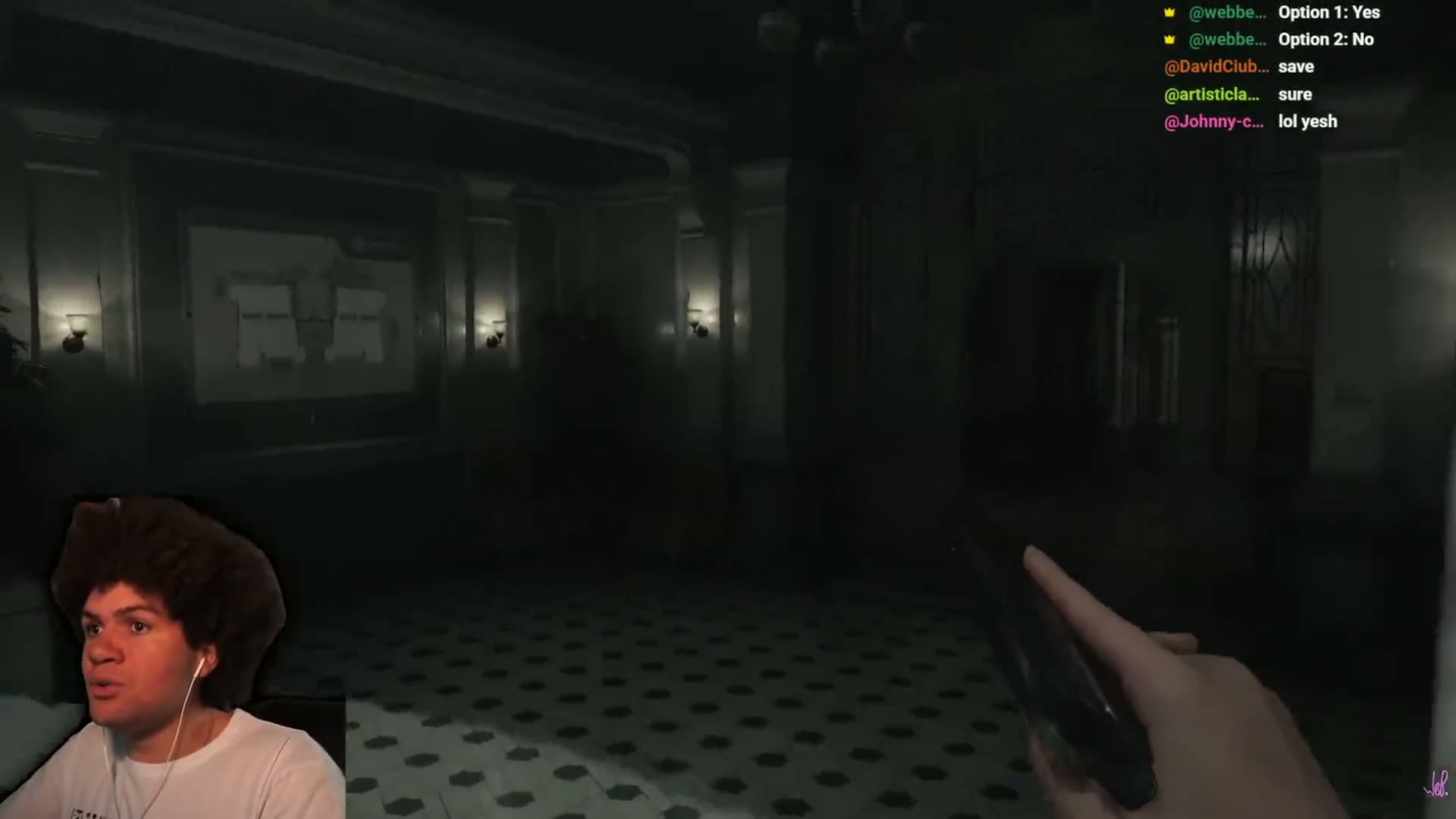
The most advanced vision in any clipper

OptimusClips has been featured in The Telegraph and The i Paper.


“A cutting-edge AI startup”The Telegraph
“AI video clipping platform for content creators”The i Paper

Your best clip was in that video

AI clipping that actually watches your content (not just the transcript) and finds the clip worth posting.

1 video, The clips worth posting.

No credit card required · Cancel anytime · 60 free minutes of video
+35%
Views above channel average
92%
Shorts traffic, fully organic
54.5%
Retention, above Shorts average
WebbeyWabal
Creator on OptimusClips · Variety gaming · Results from first VOD
Creator on OptimusClips · Variety gaming

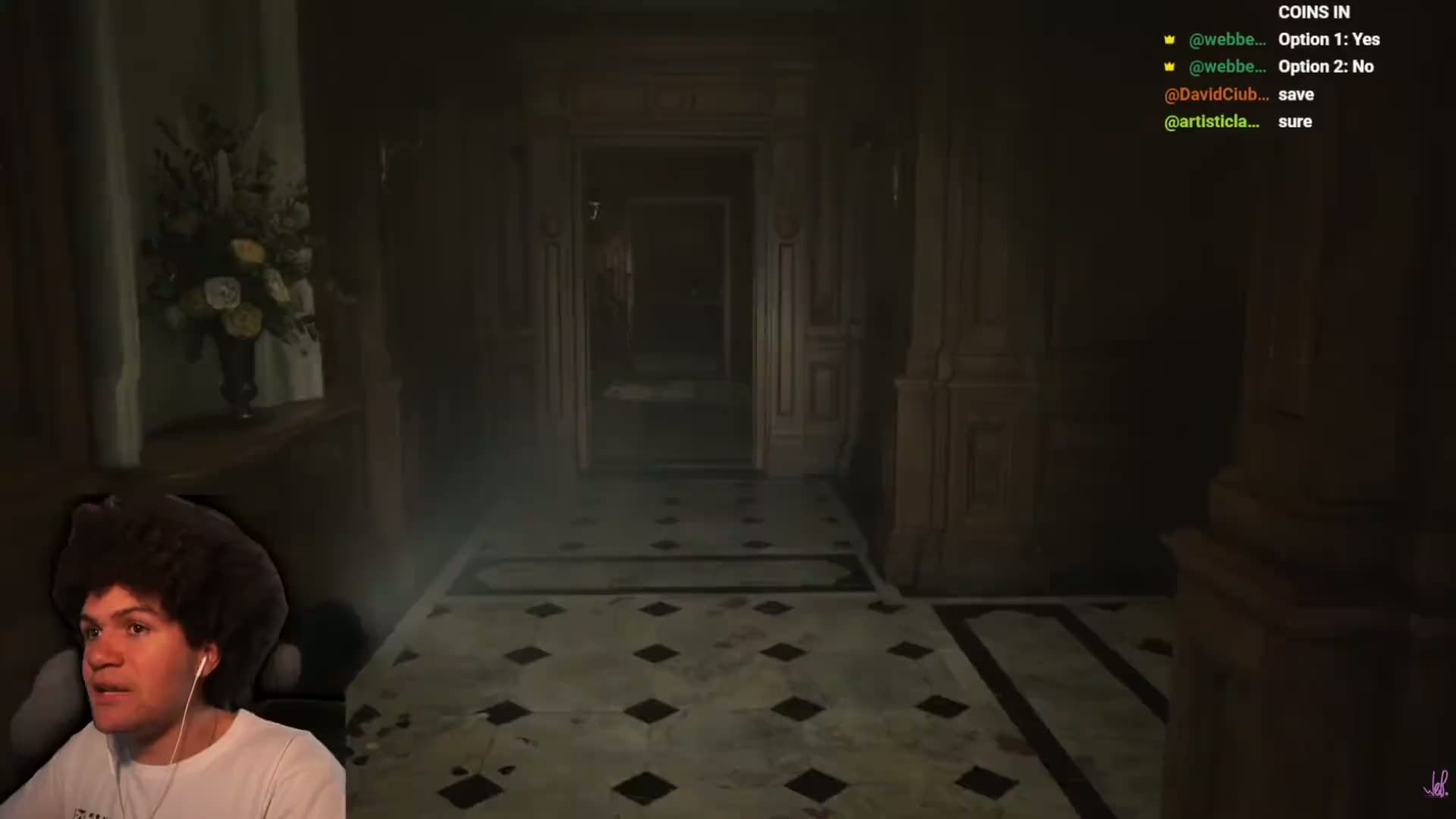
One of WebbeyWabal's best Shorts
was buried in his stream.

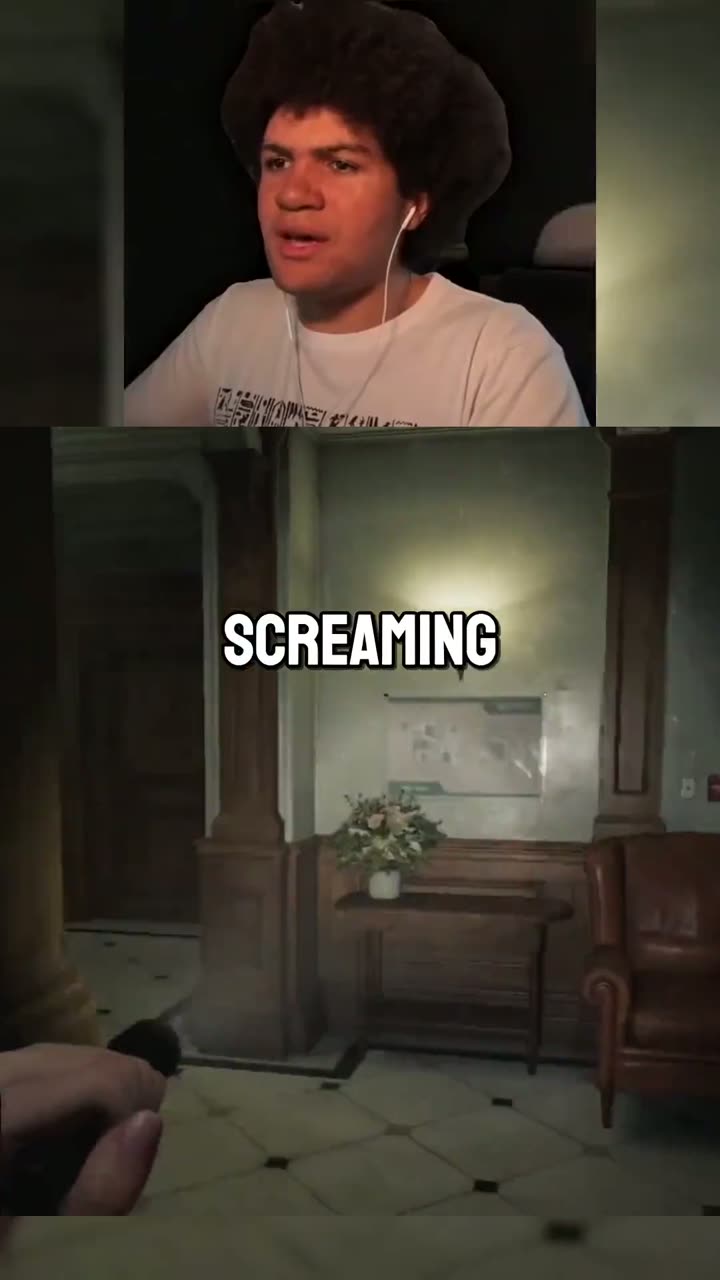
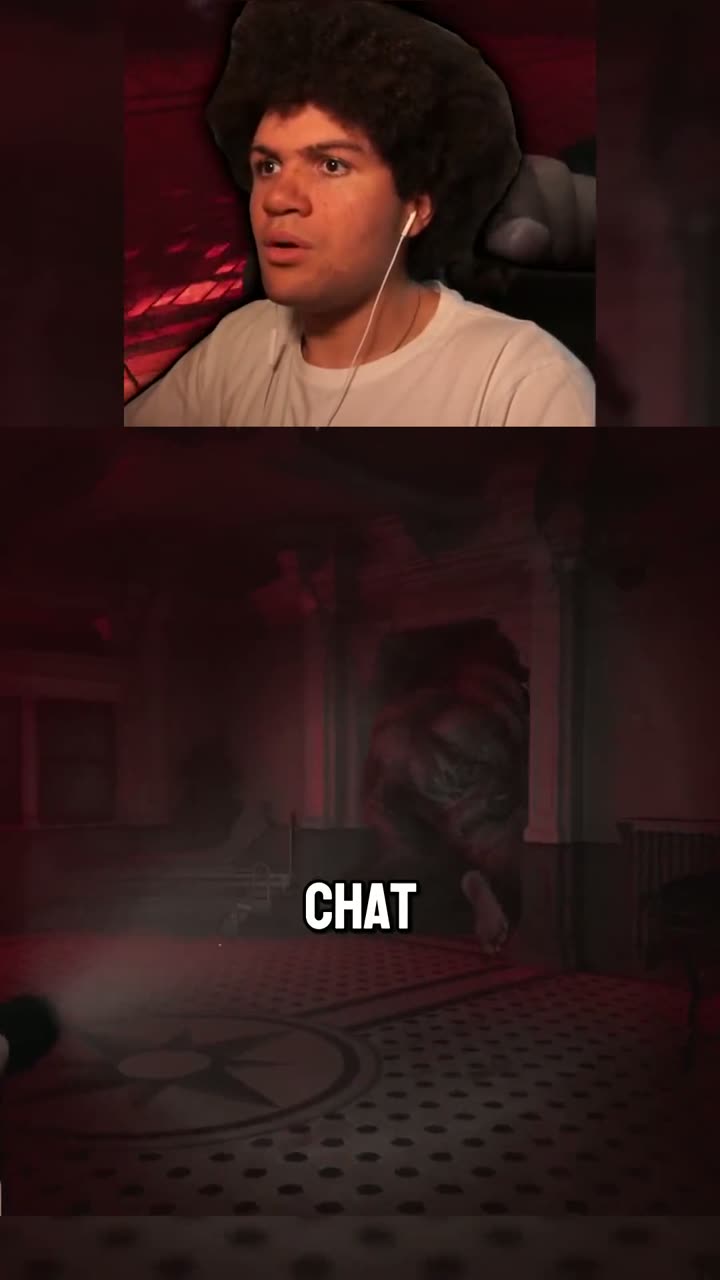
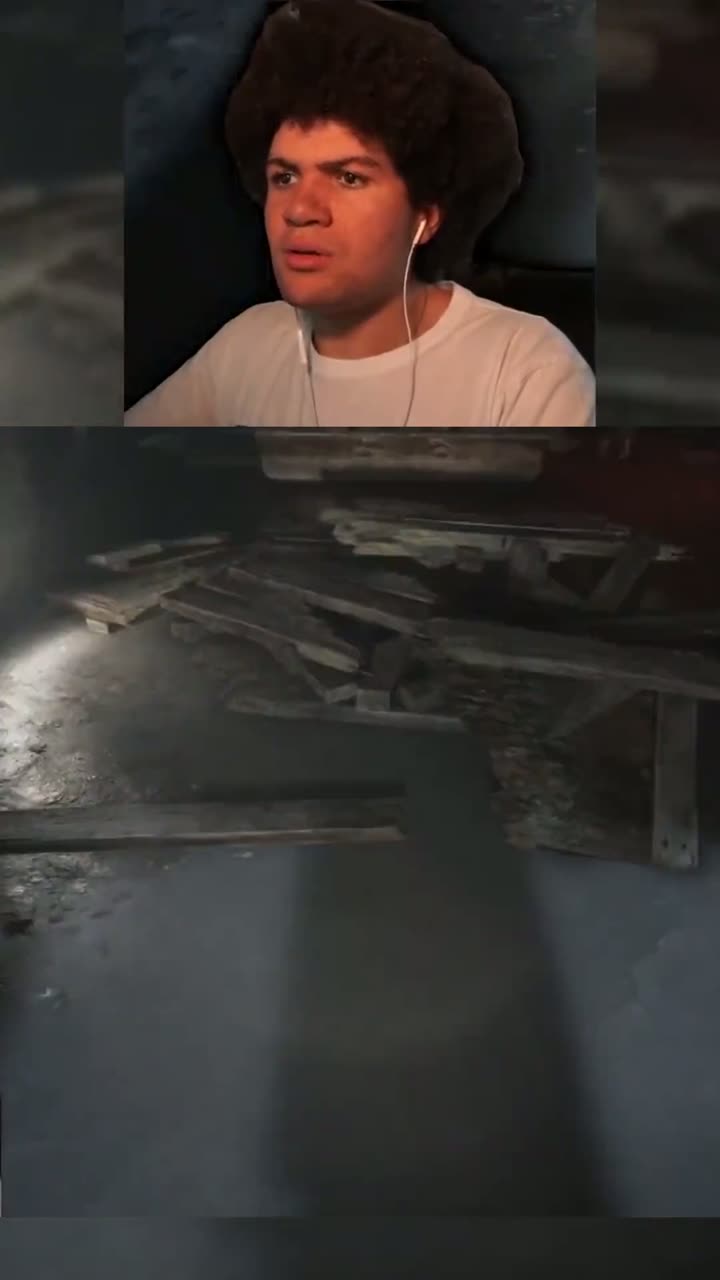
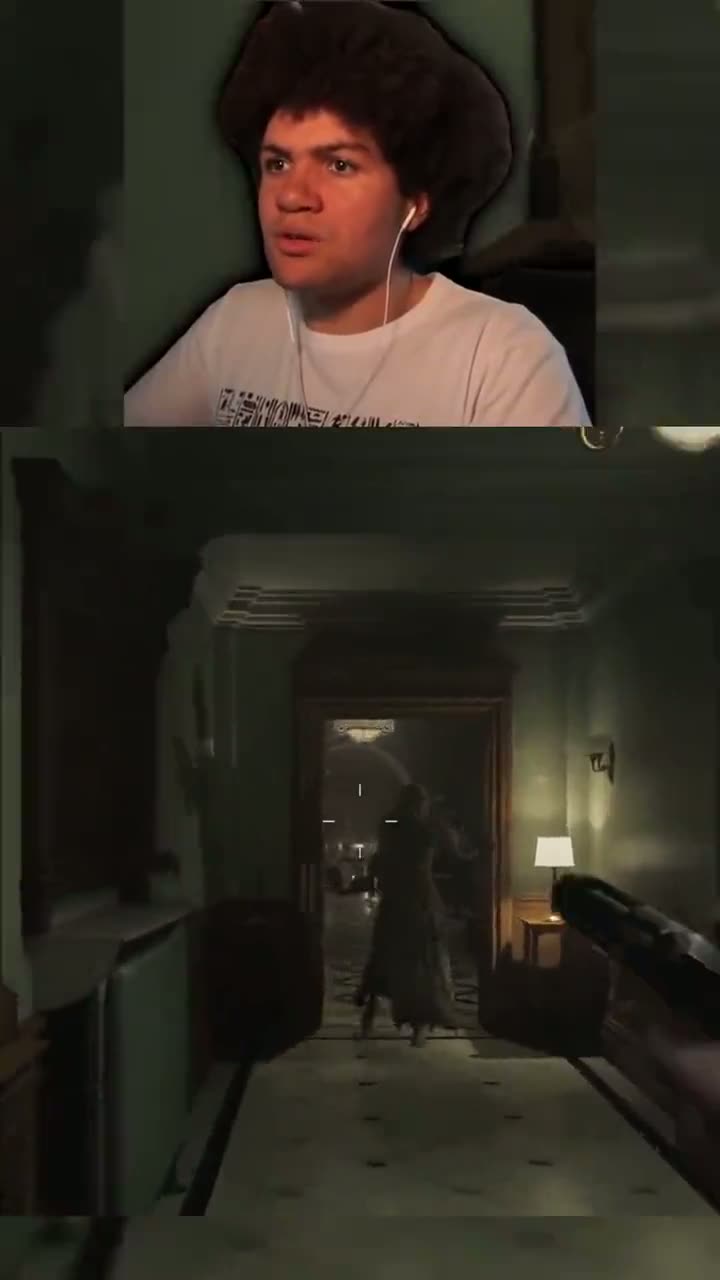
He didn't find it manually. He dropped the VOD in, and the AI found the moment his audience would stop scrolling for. The kind of reaction clip that doesn't show up in a transcript. One of his best-performing Shorts, fully organic, zero paid push.

Creator on OptimusClips · Variety gaming

“Last Second Clutch,” found by AI in hours of footage

WebbeyWabal dropped a stream VOD into OptimusClips. The AI watched the footage: gameplay, facecam, reaction. It found the exact moment his audience would stop scrolling, and delivered it ready to post. The kind of clip that doesn't live in the transcript. No sorting. No editing. Just results.

Why our clips are better

We picked the right model
and own the vision layer.

We watch the video.
They read a transcript.

Most AI clipping tools are blind to what happens on screen. They clip whoever was talking, and miss the reaction, the clutch play, the half-second expression that makes someone stop scrolling. OptimusClips self-hosts a vision model that genuinely understands your footage: it reasons about what is unfolding and builds a running narrative of the moment, rather than labelling objects or reading back the words spoken. That understanding is what picks your clips. It also sees more of the video while doing it, sampling at 1.4 fps where the few tools that look at all stay near 1 fps to keep their API bill down.

OptimusClips: visual + audio + reasoningMost tools: transcript only

Head-to-head against the
market leader’s “ClipAnything”

Video understandingMatches Gemini 2.5 ProFlash tier
Vision modelSelf-hostedRented Flash tier
Frames per 10 min~840 (1.4 fps)~600 (1 fps)
What you get1 best clip20 to sort

20 clips is a
coping mechanism

Other tools give you 20 because they can't tell which one is good. We run heavyweight analysis on every clip: visual, audio, and reasoning together. So we can hand you the ones worth posting. Fewer clips. Higher hit rate. Less time deciding.

Self-hosted where
it counts.

Our vision model and speech recognition run on our own GPU infrastructure, not rented per call from an API. No rate limits. No surprise pricing changes that quietly degrade your clips. Room to tune the pipeline on our own terms, and we pass that advantage to you.

From your video to a clip

How it works

Bring your own footage, paste a link or upload, then prompt the AI on what to clip. It does the work, and you make the call to publish.

01

Drop your content

Paste a YouTube or Twitch VOD link, or upload your own footage. Add an AI prompt to steer what gets clipped, plus any extras like webcam reframe or music. When you're happy, hit Generate.

02

AI watches and picks

Multimodal AI watches every second: vision, audio, and transcript together. Then it picks the moments with a real setup and a real payoff. Not mid-sentence clips, not random cuts. The kind a sharp human clipper would pull.

03

Ready to post

Captions, vertical format, webcam reframe. Delivered ready to post. Not ready to review. Ready to post. You just hit publish.

Every genre

Hours of footage.
Only the clips worth posting.
Every genre.

Transcript-only tools can only find the moments someone talked about. The reaction, the laugh, the thing happening on screen: none of it is in the transcript. OptimusClips watches the footage, not the receipt.

Gaming and variety is where that gap is most obvious, not where it stops. Drop in a podcast, an interview, a talk, a demo: same analysis, same reason it finds what the transcript can't.

Finds reactions, commentary gold, and visual payoffs, not just what got said
AI webcam reframe: auto-crops your facecam for vertical formats
Works on streams, podcasts, interviews, talks, and demos alike
Clips ready to post to Shorts, TikTok, and Reels. No manual editing
Twitch VOD → ShortsLive support
YouTube VOD → TikTokReady to post
AI webcam reframeAuto-crop
~840 frames every 10 minVision AI

See it in action

A quick tour of the dashboard. From your link to a published clip.

Early community

The streamers building
OptimusClips with us.

Drop your clips. Get feedback. Shape what the tool becomes next. This is where the first wave of creators are testing what works, sharing results, and telling us what to build.

Join the Discord
WebbeyWabal and others are already inside.
Pricing

One great clip beats twenty bad ones.

Heavyweight AI analysis on every clip. You pay for quality selection, not volume.

You pay for the length of video you upload - every video uses at least 15 minutes, then a minute per minute. You always see the exact cost before submitting.
Free
$0/month
60 minutes a month (1h)
·Standard AI processing
·Lower-resolution visual analysis
Starter
$18/month
180 minutes a month (3h)
Heavyweight AI processing
Auto-captions
Understands your footage, not just the transcript (full-resolution visual analysis)
No watermark
Most popular
Creator
$30/month
330 minutes a month (5h 30m)
Heavyweight AI processing
Auto-captions
Priority processing
Understands your footage, not just the transcript (full-resolution visual analysis)
No watermark
Studio
$60/month
720+ minutes a month (12h)
Heavyweight AI processing
Auto-captions
Priority processing
Understands your footage, not just the transcript (full-resolution visual analysis)
No watermark
earn 30%
for the first 3 months

Refer creators. Get paid.

Now live

30% commission for the first 3 months of every subscription you refer. Built for creators who already talk about their tools.

Become a partner

Questions

Most clippers never watch the screen. They pick their clips from the transcript, which is really just a receipt of what was said. The few that do look at the video, OpusClip included, run it through Google's cheap Flash tier. We self-host our own vision model over the actual footage, frame by frame, alongside the audio and transcript. It doesn't just label what's on screen, it builds a narrative of what actually happens. So the AI choosing your clips works from the story of your video, a recipe rather than a receipt. On Video-MME, the standard video-understanding benchmark, our model matches Gemini 2.5 Pro, the premium tier those budget tools can't afford to run. We pick from what happened, not just what was said.
As many as your video earns. You pay for the length of the footage you upload, not for the clips that come out, so the count is never a quota you're spending down. A 10-minute video typically comes back with around three, because short videos are usually dense with postable moments; longer content gives up proportionally more. The AI returns every genuine standout it finds and nothing that doesn't earn its place, sometimes fewer when the content can't support it. We won't pad your output with clips that don't deserve to be made.
No. Describe what you want and our AI finds the source video for you. Or bring your own footage. Either way, you get the same full analysis and quality output.
No. It works on any footage: podcasts, interviews, talks, demos, streams. Gaming and variety is simply where the edge is most visible, because so little of what matters there is ever said out loud - the reaction, the unscripted chaos, the half-second expression that makes someone stop scrolling. The same gap exists in every genre: the laugh in a podcast, the slide in a talk, the thing being demoed on screen. A transcript-only tool can't see any of it, whatever you make. For streamers specifically, the AI webcam reframe automatically crops your facecam for vertical formats, so your Shorts and TikToks are ready to post without manual editing.
The clip count is a target, not a quota. If the content lacks strong highlights the AI returns fewer. We'd rather give you 2 clips worth posting than 10 that waste your time. That's what the most advanced AI is for.
Longer than transcript-only clippers, and we won't pretend otherwise. We actually watch every second of your video: full vision, audio, and transcript analysis. That takes roughly the runtime plus some overhead. Queue it up and get on with your day. If you need clips in 8 minutes, use a transcript-only tool.

Your best clip is already in there.

Stop trawling. Drop your footage in and let the AI find the moments worth posting. Free to try.